Fishbrain App.
Can the Free version of the Fishbrain App be what i need to record my catches.
BLOG.
Steven Northey
7/14/20265 min read
Conclusion ...
As you can see, the free version seems to offer a lot of useful statistics for you to keep a catch record. However, as I have just started to trial this, it seems to tick the right boxes for me. Hopefully, as I log some more fish, it will prove to be very useful, but I do get the feeling that there is a limit to how many fish you can record before they push you to upgrade, which I definitely won’t be doing at their prices. If it turns out well, I might do a review in the future.
Thanks for reading my blog, Steve @ Kernowbass
The Fishbrain App ...
Hi everyone, I wanted to talk about an app that I have just started to use. I have always wanted something to record my catches for bass, and started off recording them to Google Sheets, which at first was going okay, but after a while I kind of got bored of having to input the data.
Then I came across an app that was being built, allowing you to take a photo and it could pull in all available information to automatically record, like time, date, wind, weather, etc. I really loved this app; at £30 a year, it was worth paying for. However, it was coming up for renewal and it has now switched to a monthly subscription, and for a year, it would be nearly double at £55, which was too much. So the search was on for a replacement for as cheap as I could get or, even better, a free version that could do as much as possible.
So the search began, checking out the internet and on app stores gave me a shortlist of possibilities, so I worked my way through them, downloading them onto my phone and proceeding to try them out. I proceeded to work my way through my list and soon became disappointed. You see, most of these apps are for US-based anglers and don't cater for UK anglers. This was not going to be easy; the majority of their free versions were so basic that it was pointless to continue trying them. They were all pushing you to sign up for their pro versions; of course, this is how they make their money. Yes, these added features were impressive, but some were charging £50-80 a year; that is unbelievable, and these were no longer pursued.
However, one of the apps on my list showed potential. The free version looked promising, and reading about it said it was usable in the UK. So I have downloaded it to my phone. As I wrote in my previous blog, I have had a poor season to start on the bass, so I have only logged one fish so far.
So what’s the name of this app? Let me introduce you to Fishbrain ...
So what is Fishbrain? As I'm just interested in the free version, I will talk about this; there is a Pro version, but again at £80, I’m not prepared to pay for it. You can find out more on the Fishbrain website here.
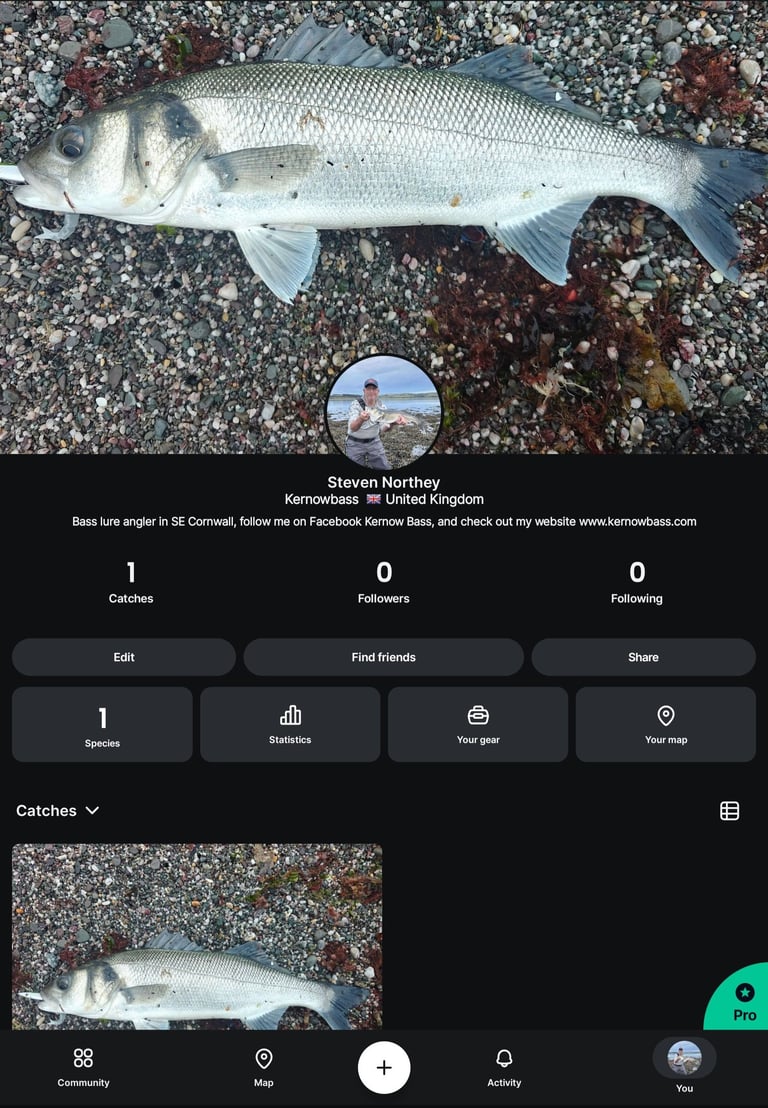
When you start to use Fishbrain, you go through a series of questions to build your profile page because this is a fishing community app, like an Angler's Facebook. When you have completed your profile, you get your own profile page, above image left; this is where you will use the app. It shows your catches, anyone following you, or whom you follow, so it could be good for clubs or a group of anglers. You then have an edit, find friends, and share buttons. The bottom row shows how many different species you have caught, your statistics (I’ll come to that later), your gear, your log of what lures you used, rod, reel, etc., and the map which is provided by Mapbox.
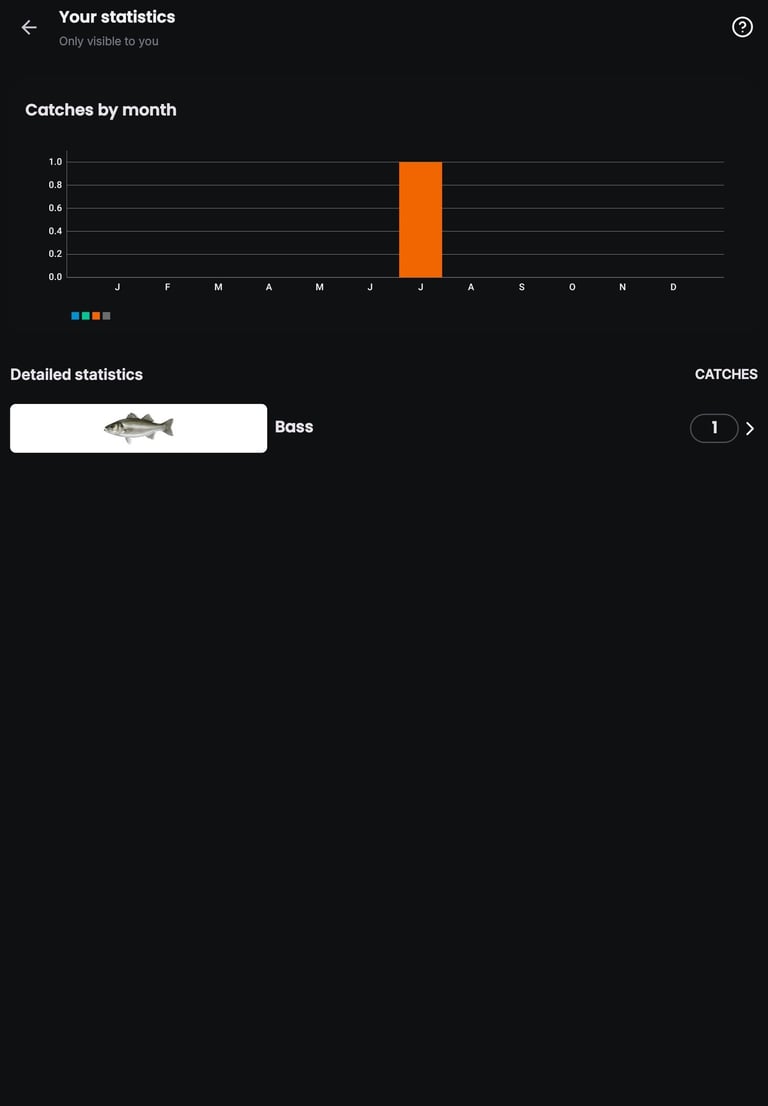
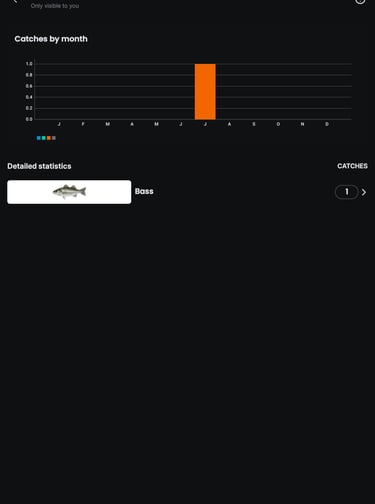
If you click on the statistics button, it brings up another page, above image right. Here, it will display your catches, a graph for how many per month, and below, how many species you have caught. Clicking this brings up even more statistics for you.
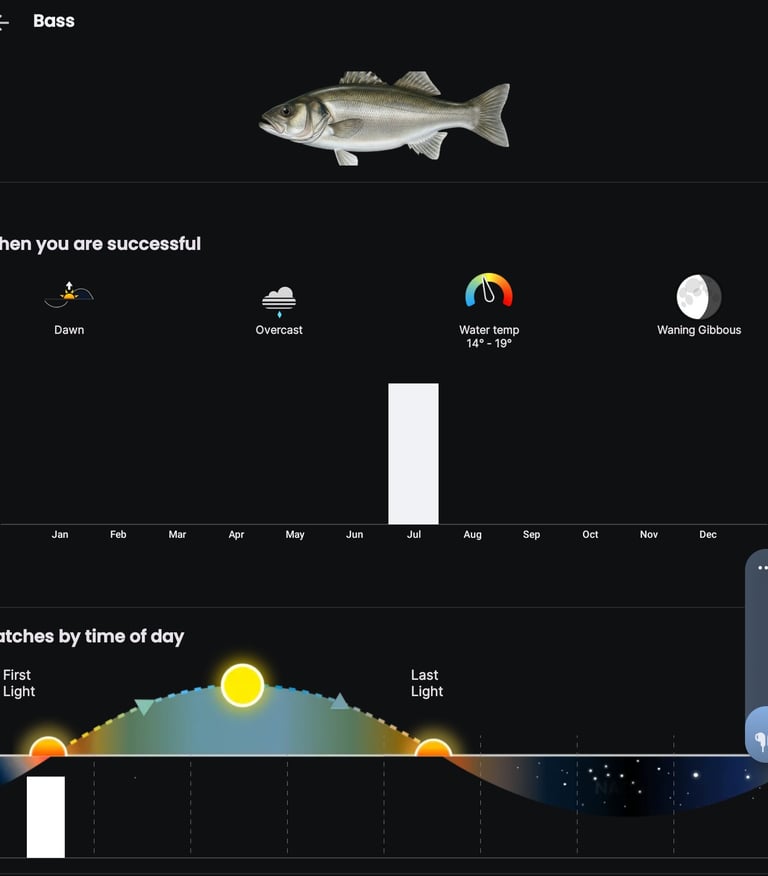
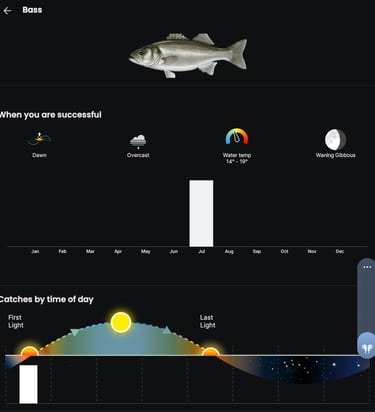
We now have more details on the catches; in the above left image, we can see when you are successful. In this catch, it was dawn, overcast, with a temperature of the water, moon phase, and in July. It also shows you catches by the time of day.
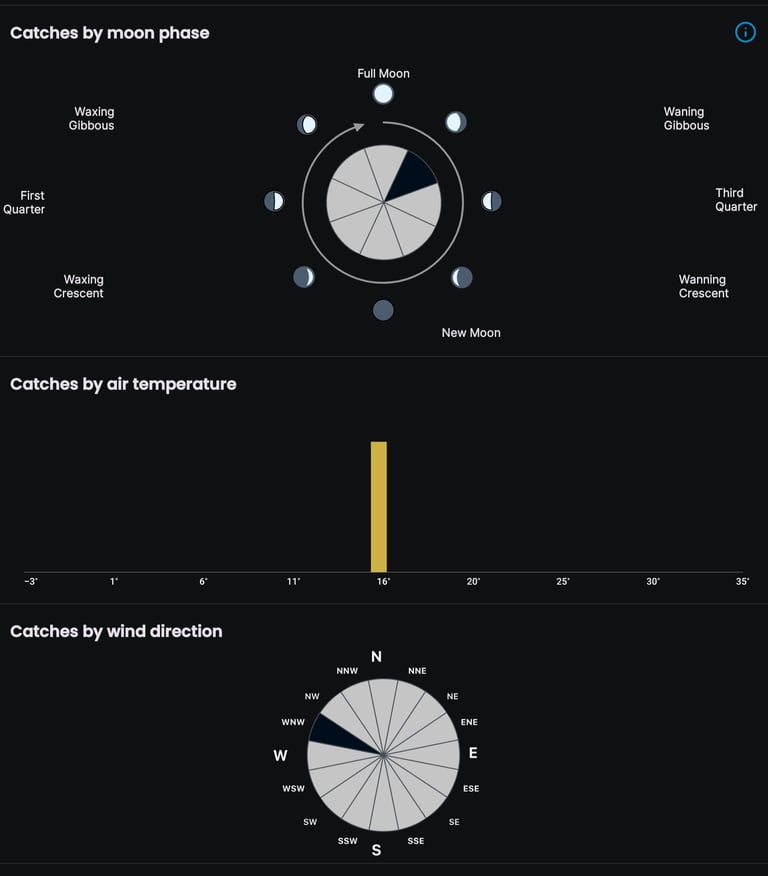
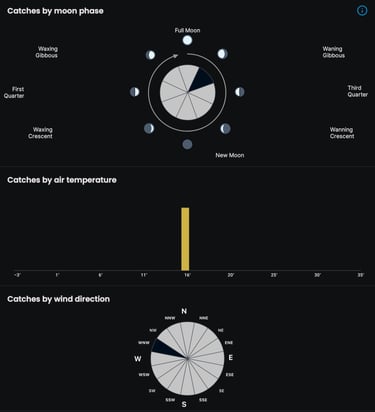
The above right image shows you catches by moon phase, catches by air temperature, and catches by wind direction.


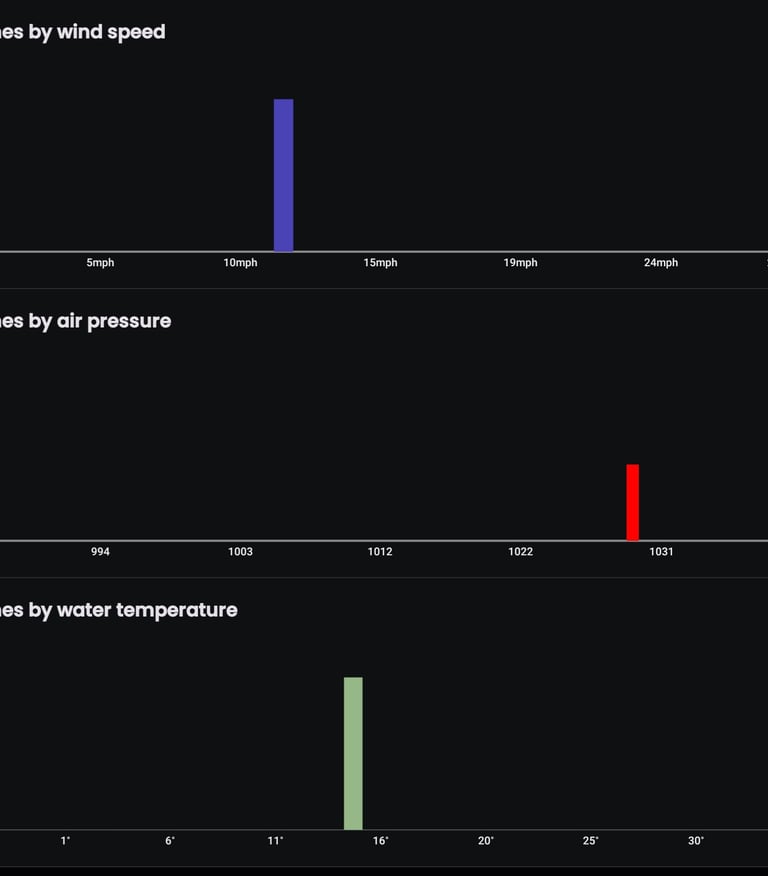
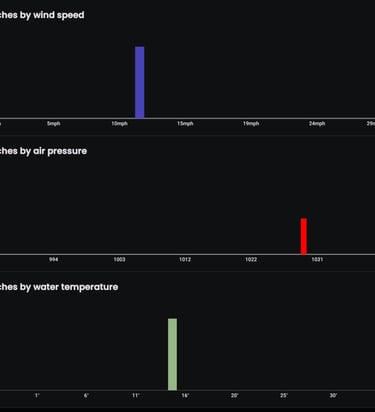
The above left image shows catches by wind speed, catches by air pressure, and catches by air temperature. A pretty impressive set of stats for the free version.
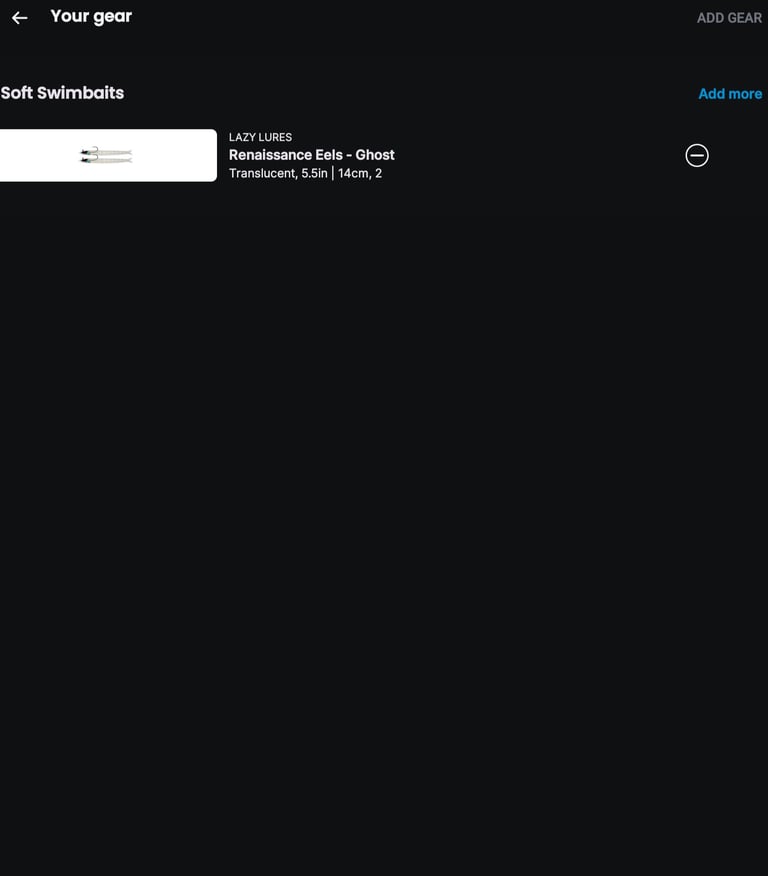
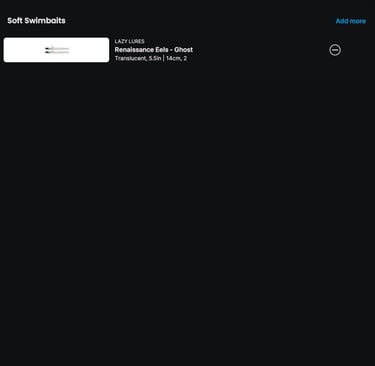
The above right image is your gear page; here you can log in your lures, rods, reels, etc., but I did find this limited in what you can add.
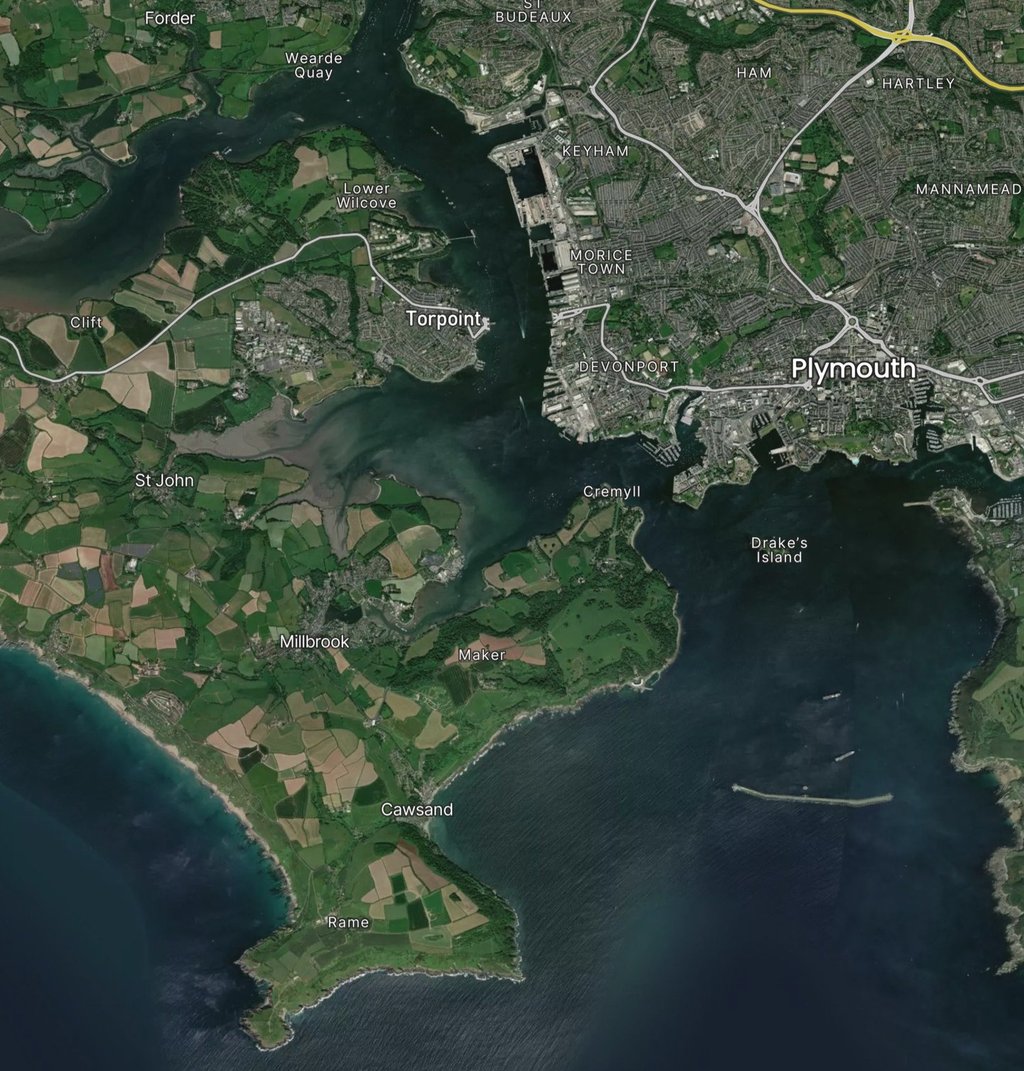
The next image above shows the map, provided by Mapbox. When you want to log a catch, you can click the + button, choose a photo if you have one, or skip this step. When I added mine a couple of days after I caught it, it automatically pulled in all information up to the time the photo was taken. The map then appears, and you can drop a pin on your mark. You then get three choices: share the exact mark (visible to others), share water (keeping the exact spot secret), and the last option, which I chose, is Secret Spot (keeping all location info secret), perfect for us bass anglers. Or once again, you can skip this.
You can then add your catch details, include more photos, and write anything in the comments box. You can toggle to hide from the feed, then add species (i.e., bass), weight and length, Catch or Release, Date/Time, and fishing gear.
Get in touch.
Contact Me.
Fill in your details opposite or use email below, thank you. Steve @kernowbass.
admin@kernowbass.com